SIMPLIFY TIMESHEET MANAGEMENT
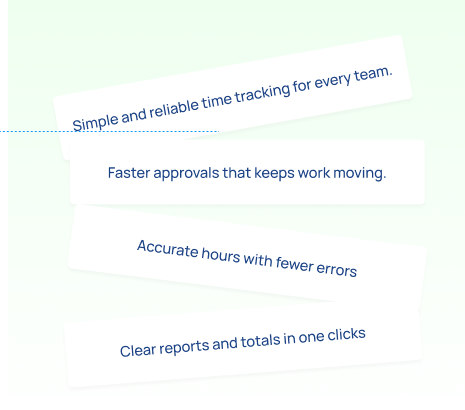
Track, submit, and approve timesheets with ease and get accurate reports in just one click. Save time, reduce errors, and keep your team on the same page.
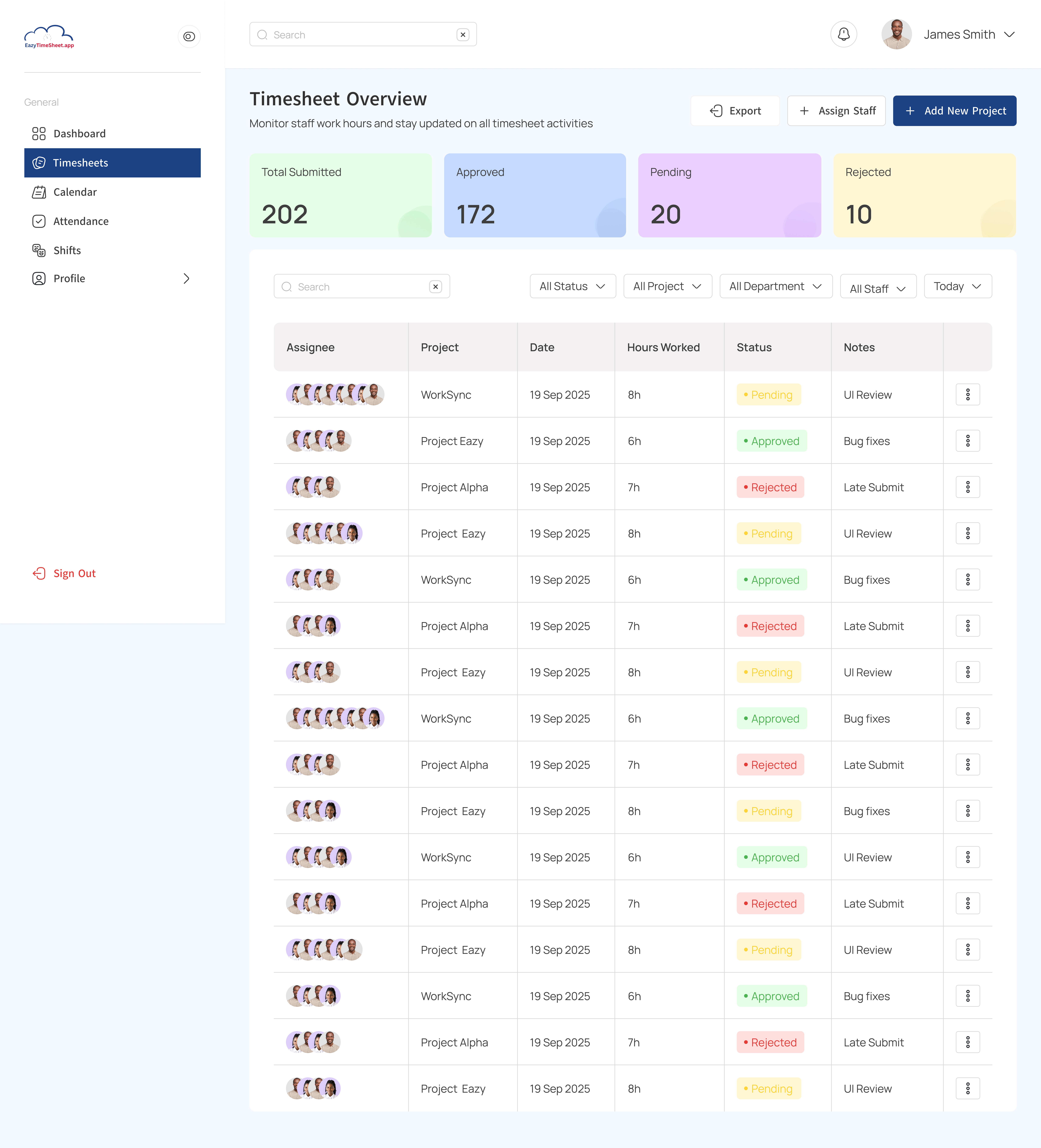
The Easier Way to Track, Approve, and Report Time.
★
Automate Your Timesheets: Say goodbye to messy spreadsheets. The system automatically tracks and organizes hours so you can focus on real work.
★
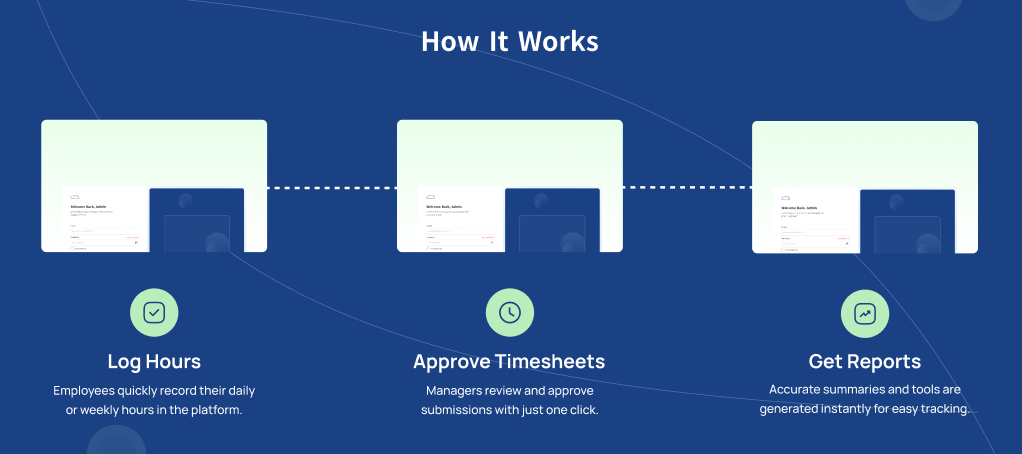
Collect & Approve Timesheets: Streamline approvals with an easy review process. Managers can quickly accept or request changes, keeping things moving.
★
Track Time Faster and Easier: Employees can log hours in seconds, making time tracking simple, reliable, and stress-free.
★
Calculate Total Hours with One Click: Get instant, accurate summaries of work hours, helping you save time and avoid costly mistakes.
Commonly Asked Questions
1. We already use paper timesheets. Why should we switch?
▲Paper is slow, error-prone, and time-consuming. Our app eliminates mistakes, saves hours of admin work, and gives you accurate reports instantly.
▼
2. What makes this different from a spreadsheet?
▲Spreadsheets require manual entry and calculations. With our app, staff log shifts in real-time, and totals (daily, weekly, monthly) are calculated automatically — no formulas, no copy-paste errors.
▼
3. How hard is it to set up?
▲It’s quick. Most businesses are fully onboarded in one day. We’ll walk you through setup and get your staff logging shifts immediately.
▼
4. Will my staff find it difficult to use?
▲Not at all. Logging shifts takes just one click. If they can use a smartphone, they can use this app.
▼
5. What if someone forgets to clock in/out?
▲No problem — admins can adjust times manually, ensuring accuracy without losing track of changes.
▼
6. Is it affordable for small businesses or group homes?
▲Yes — we’ve priced it so even small teams can benefit. The time saved on payroll alone often pays for the app.
▼
7. How secure is the system?
▲Very secure. All data is stored in MongoDB with strict access controls. Only authorized users can view or edit timesheets.
▼
Turn Data Into Clear Insights
Turn timesheet data into clear, actionable insights in seconds, track hours, monitor approvals, and spot trends across your team effortlessly.
★
Accurate Summaries: Quickly see total hours worked across individuals and teams, ensuring you have a clear overview at all times.
★
Approval Tracking: Easily know which timesheets are pending, approved, or rejected, so nothing falls through the cracks.
★
Trends & Patterns: Identify how time is spent over days, week, or projects, helping you make informed decisions.
★
Export-Ready Reports: Download or share reports instantly for payroll, audits, or performance reviews.
Frequently Asked Questions
1. How do staff log their shifts and breaks?
▲Staff simply click a button to record shift start/end and break times. The app automatically calculates total hours worked.
▼
2. Can the app calculate weekly and monthly totals automatically?
▲Yes — the admin dashboard shows daily, weekly, and monthly totals per staff, with charts and reports ready for payroll.
▼
3. Is the Timesheet App mobile-friendly?
▲Absolutely. Staff can log hours from any device — desktop, tablet, or smartphone.
▼
4. What happens if a staff member forgets to clock in/out?
▲Admins can manually edit timesheets when needed, with full visibility of adjustments.
▼
5. Can I export timesheet data for payroll?
▲Yes — data can be exported in formats (CSV/Excel) that integrate with payroll systems.
▼
6. Is the data secure?
▲Yes — all data is stored securely in MongoDB, with controlled access for staff and admins.
▼
7. How long does it take to get started?
▲You can be up and running the same day. Setup is simple, and we provide support to onboard your team.
▼